Apache | Installing Content | Document Root
Apache is a WWW server, so it returns content that corresponds to requests from clients. The location where that content is placed is specified by DocumentRoot.
DocumentRoot directory
The directory is specified as an absolute path or as a path relative to ServerRoot. Do not add a slash (/) at the end.
Search for DocumentRoot in the httpd.conf file, and you should find content like the following.
#
# DocumentRoot: The directory out of which you will serve your
# documents. By default, all requests are taken from this directory, but
# symbolic links and aliases may be used to point to other locations.
#
DocumentRoot "${SRVROOT}/htdocs"
This means that content published by the WWW server is placed under the ${SRVROOT}/htdocs directory. If ${SRVROOT} was specified as follows on the previous page, the path becomes C:/dev/Apache2.2/htdocs.
Define SRVROOT "C:/apache/Apache24"
The relationship between placed files and client requests is as follows.
| URL requested by the browser | Actual file returned to the client |
|---|---|
| http : //localhost/index.html | C:/apache/Apache24/htdocs/index.html |
| http : //localhost/sub/index.html | C:/apache/Apache24/htdocs/sub/index.html |
| http : //localhost/img/image.gif | C:/apache/Apache24/htdocs/ img/image.gif |
When you access Apache from a browser now, the following screen appears.
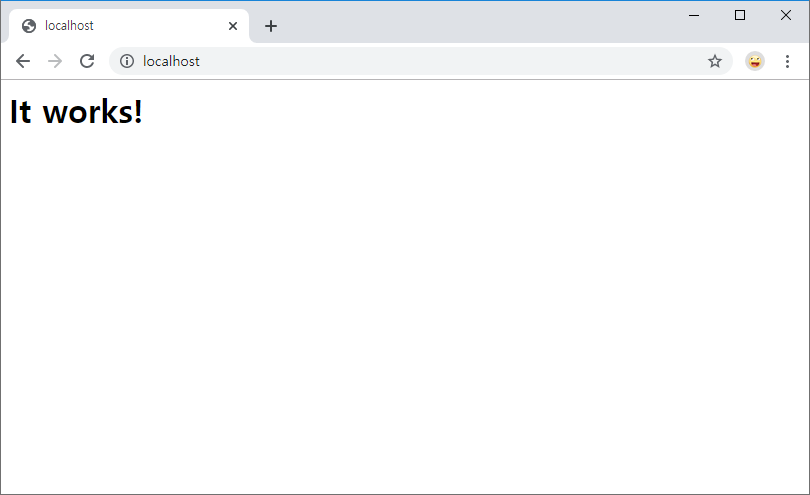
This screen displays the C:/apache/Apache24/htdocs/index.html file.
C:\dev\Apache24\htdocs>dir
 C 드라이브의 볼륨에는 이름이 없습니다.
 볼륨 일련 번호: XXXX-XXXX

 C:\dev\Apache24\htdocs 디렉터리

2019-11-26  오후 10:39    <DIR>          .
2019-11-26  오후 10:39    <DIR>          ..
2007-06-12  오전 03:53                46 index.html <<<<<<<<<<<<<<< 표시된 파일
               1개 파일                  46 바이트
               2개 디렉터리  458,576,863,232 바이트 남음

C:\dev\Apache24\htdocs>
Practice
Now create the following simple HTML file and place it in the document root directory.
hello.html
<html>
<head><title>Apache</title></head>
<body>
<h1>Hello World devkuma!</h1>
</body>
</html>
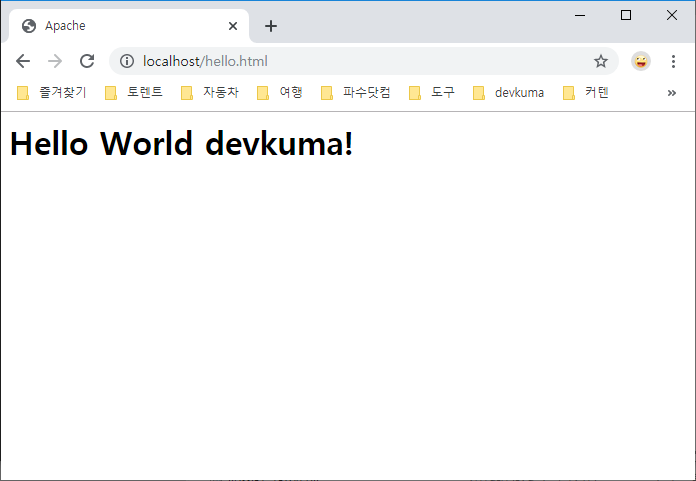
Start a browser and access the following URL.
http://localhost/hello.html