Apache | Access Permissions | Authenticating by Group
When configuring users who can access content with Require, it is fine to list users if there are only a few. However, users can also be registered in groups in advance and access can be allowed by group. Users included in the group are allowed access after authentication succeeds.
First, create a group file that contains group names and the users belonging to each group.
Creating a group file
For password files, Apache provides a tool called htpasswd.exe, but no such tool is provided for group files. A group file is a simple text file, so create it with a text editor.
group1: user1 user2 user3 ...
group2: user1 user4 ...
Write one line for each group registered in the group file. After the group name, separate it with a colon (:) and write the user names registered in that group. User names are written separated by spaces.
Here, the group file name is C:\apache\passwd\ group. The group file created in this example is as follows.
group
admin: devkuma kimkc
user: araikuma
other: happykuma
Specifying AuthGroupFile
Next, use AuthGroupFile in the httpd.conf file to specify the group file name.
AuthGroupFile group-file
Specify the group file created earlier as follows.
AuthGroupFile "C:/apache/passwd/group"
How to write it in httpd.conf
The group file is only for managing users together, so authentication is still performed by user. Therefore, AuthGroupFile is written as one of the settings for user authentication.
<Directory "${SRVROOT}/htdocs/admin">
    AuthType Basic
    AuthName "사용자명과 비밀번호를 입력하세요."
    AuthUserFile "C:/apache/passwd/passfile"
    AuthGroupFile "C:/apache/passwd/group"
    Require group admin user
</Directory>
Specify group as the option for Require, then write the groups allowed to access, separated by spaces.
Unlike users, where valid-user can be written to allow all users, groups must be written one by one.
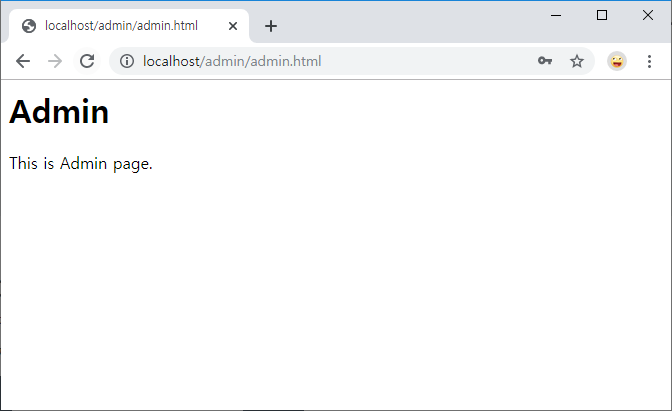
Now try authentication using groups. Access http://localhost/admin/admin.html, which is included in the directory where authentication is configured, from the browser.
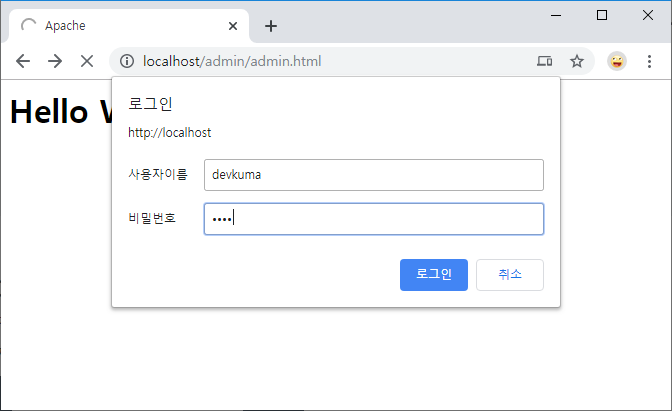
Even when authentication is configured by group name, the authentication dialog displayed in the browser is the same. If authentication succeeds with a user name included in an authorized group, the page is displayed.