Apache | Installing Content | Directory Index (DirectoryIndex)
When accessing a file in Apache, if only a directory is specified, the default file to return is specified by DirectoryIndex.
Directory Index (DirectoryIndex)
When a client sends a request, it may specify only a directory without specifying a file name. DirectoryIndex specifies which file should be returned when the file name is omitted.
DirectoryIndex file name [file name [...]]
One or more file names can be specified.
Search for DirectoryIndex in the httpd.conf file, and you should find content like the following.
#
# DirectoryIndex: sets the file that Apache will serve if a directory
# is requested.
#
<IfModule dir_module>
    DirectoryIndex index.html
</IfModule>
In the default settings, index.html is specified. Therefore, when a client requests http://localhost/, Apache actually checks whether http://localhost/index.html exists, and if it does, sends that file.
Multiple files can be specified for the directory index. Write the file names separated by spaces. When multiple files are written, Apache checks from the beginning in order and displays the first file that exists.
DirectoryIndex index.html index.htm index.php
In this case, Apache searches for index.html, index.htm, and index.php in order, and returns the existing file to the client.
Practice
Now create the following simple HTML file and place it in the document root directory.
hello.html
<html>
<head><title>Apache</title></head>
<body>
<h1>Hello World devkuma!</h1>
</body>
</html>
Then write DirectoryIndex as follows. If Apache is already running, restart it so the changed settings take effect.
#
# DirectoryIndex: sets the file that Apache will serve if a directory
# is requested.
#
<IfModule dir_module>
    DirectoryIndex hello.html index.html
</IfModule>
Start a browser and access the following URL.
http://localhost/
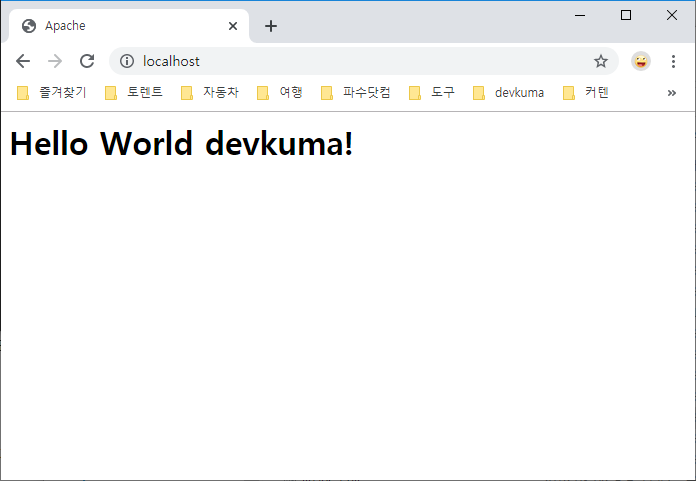
Because hello.html is written first in DirectoryIndex, Apache searches for hello.html first when only the directory is specified. Since the file exists, that file is displayed.
Now leave DirectoryIndex as it is and move hello.html from the document root to another location. Create a bak directory under the document root (\htdocs) and move the file there. Then access http://localhost/ again in the browser.
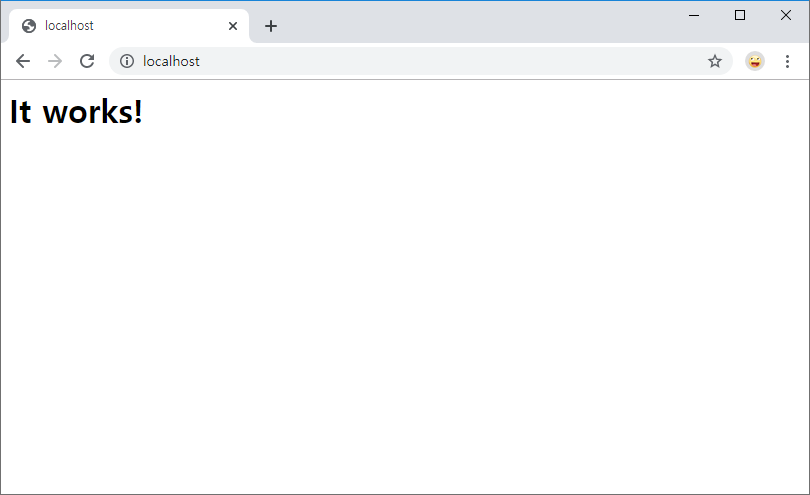
In this case, Apache first looks for hello.html, but since the file does not exist, it looks for the next candidate, index.html. Since index.html exists, the file content is returned to the client.
Next, leave DirectoryIndex as it is and move index.html from the document root to another location. Move this file to the bak directory as well. Then access http://localhost/ again in the browser.
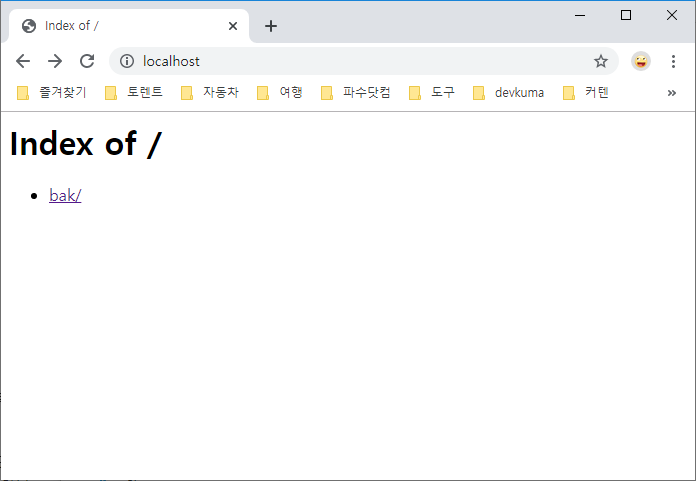
If none of the files specified in DirectoryIndex can be found, Apache displays the list of files and directories contained in that directory. However, showing a file list can be a security issue, so it is generally better to configure Apache not to display file lists. The configuration method is covered on another page.