Apache | Access Permissions | Link Restrictions (SetEnvIf, Referer)
Link restrictions (SetEnvIf, Referer)
A client’s request headers may include information called Referer. This contains the URL information for where the link came from.
If access is made by directly entering a URL and no Referer information is included, you can apply access restrictions.
First, use SetEnvIf to set an environment variable. In this example, check Referer and define an environment variable that is set when the condition is met.
SetEnvIf Referer link-source-information environment-variable-to-set
Check the Referer included in the header and compare whether the request was linked correctly. If it is correct, set an environment variable. A concrete example is shown below.
SetEnvIf Referer "http://localhost" local_referal
In this case, Apache checks the Referer for access to the target file and determines whether the access came through a link from http://localhost. If it matches, an environment variable is set. The variable name can be chosen freely.
Then use Require to check whether the environment variable is set.
Require env check
In the example above, access is allowed if the environment variable check is set, instead of using information such as an IP address.
Practice
Now try using it in practice. Configure access so files in the img directory are allowed only when requested through links from files whose URL starts with http://localhost.
First, create the following HTML file in the document root.
referer.html
<html>
<body>
<h1>Referer Test</h1>
<img src="./img/devkuma.png">
</body>
</html>
Then create an img directory in the document root and place any image file inside it with the file name devkuma.png.
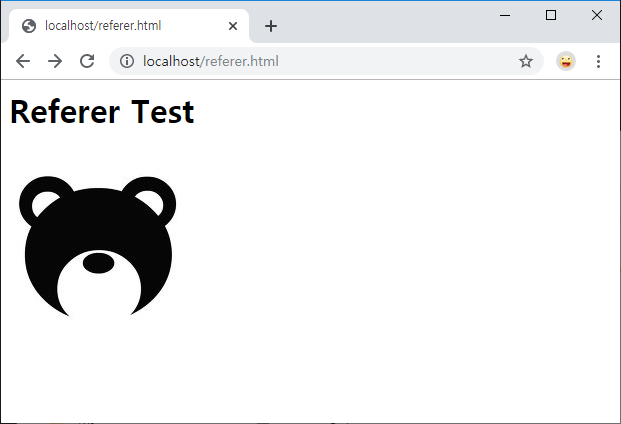
If no settings are applied, the image displays without problems both when entering http://localhost/referer.html and when directly entering the image URL, such as http://localhost/img/referer.png.
To restrict direct linking, add the following content near the end of the httpd.conf file.
SetEnvIf Referer "^http://localhost" local_referal
<Directory "${SRVROOT}/htdocs/img">
    Require all denied
    Require env local_referal
</Directory>
This configures access restrictions for the img directory under the document root. It checks the Referer and allows access only when the beginning of the Referer is http://localhost.
When http://localhost/referer.html is entered, the image file in the img directory is requested from the HTML file. In this case, the Referer of the image file is http://localhost/referer.html, so access is allowed.
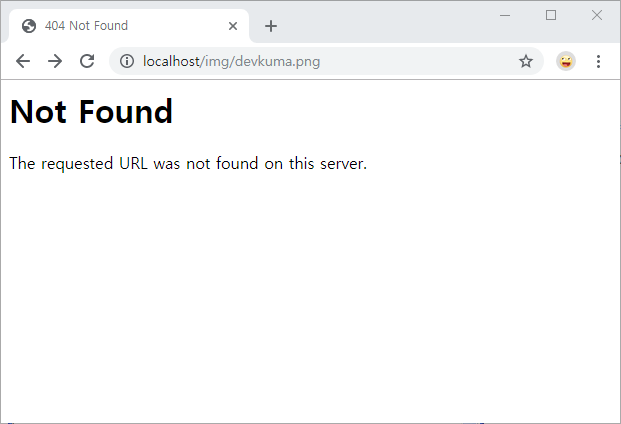
If http://localhost/img/devkuma.jpg is entered directly, no Referer is set, so access is not allowed and the image is not displayed.
With this, you can apply a certain level of link restriction using Referer. It is only a certain level because some browsers do not send Referer originally, and security software may disable Referer. In such cases, the client will not be able to access the content. Also, Referer can be forged, so access restrictions based on Referer are not absolute.
If you want to allow access even when there is no Referer, for compatibility with security software, write it as follows.
SetEnvIf Referer "^http://localhost" local_referal
SetEnvIf Referer "^$" local_referal
<Directory "${SRVROOT}/htdocs/img">
    Require all denied
    Require env local_referal
</Directory>
With this configuration, direct URL entry is also allowed, but direct linking to images from HTML files on other servers can be restricted.