Configure Tomcat to Show File Lists When Accessing Web Folders
This section explains how to configure Tomcat so you can access a folder from the web screen and check the file list.
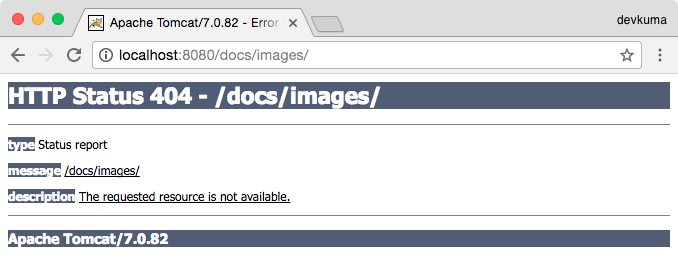
With the default settings, if you access a URL folder directly from the browser, a 404 error appears as shown below and access is not possible.
Tomcat’s DefaultServlet is configured by default not to display directory listings. Open Tomcat’s {Tomcat installation folder}/conf/web.xml file and find the <servlet> element for DefaultServlet.
... omitted ...
    <servlet>
        <servlet-name>default</servlet-name>
        <servlet-class>org.apache.catalina.servlets.DefaultServlet</servlet-class>
        <init-param>
            <param-name>debug</param-name>
            <param-value>0</param-value>
        </init-param>
        <init-param>
            <param-name>listings</param-name>
            <param-value>false</param-value>
        </init-param>
        <load-on-startup>1</load-on-startup>
    </servlet>
... omitted ...
Here, change the value of the listings parameter to true as shown below.
Before: Do Not Display Listings
        <init-param>
            <param-name>listings</param-name>
            <param-value>false</param-value>
        </init-param>
After: Display Listings
        <init-param>
            <param-name>listings</param-name>
            <param-value>true</param-value>
        </init-param>
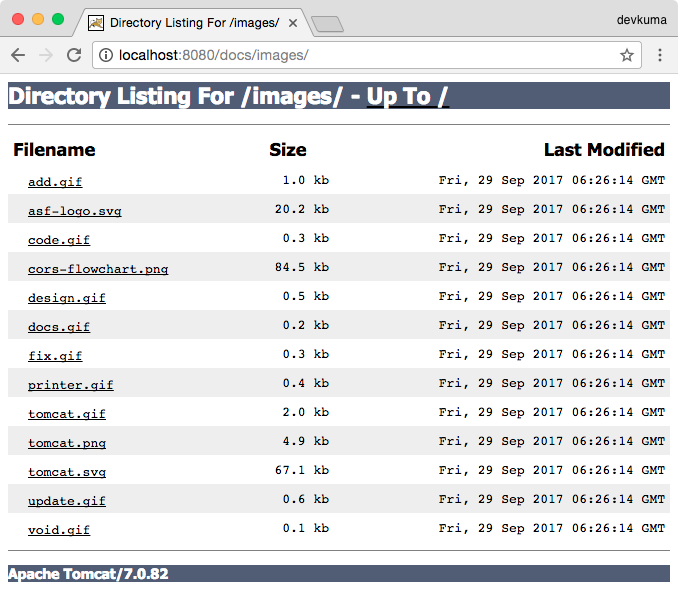
After changing the setting to display listings, you can access the folder directly as shown below.