Apache | Access Permissions | Running Authentication
Running authentication
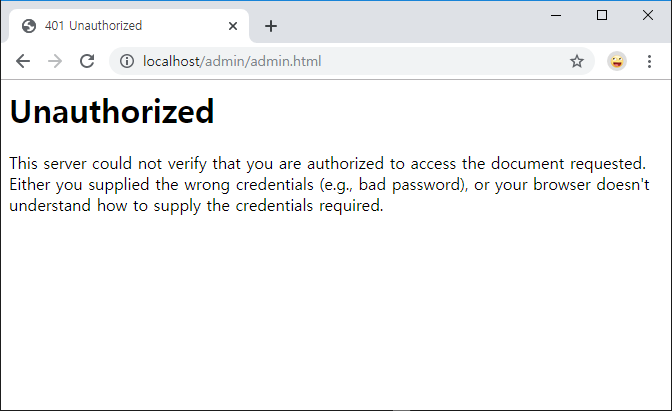
When a user tries to access a page that requires authentication, the server checks whether the browser request includes a header named Authorization. On the first access, there is no Authorization header, so the server tells the browser that authentication is required.
The browser that receives this notification displays an authentication dialog, creates an Authorization header from the entered user name and password, and sends another request to the web server including that header.
The server authenticates the received Authorization header. If authentication succeeds, the page is displayed. If authentication fails, the server tells the browser again that authentication is required. In other words, the authentication dialog is not displayed by the server; it is displayed by the browser after receiving a notification from the server so the browser can create the Authorization header.
Now enter the user name and password registered for authentication. Access http://localhost/admin/admin.html. For authentication settings, see “Configuring Basic Authentication (AuthType).”
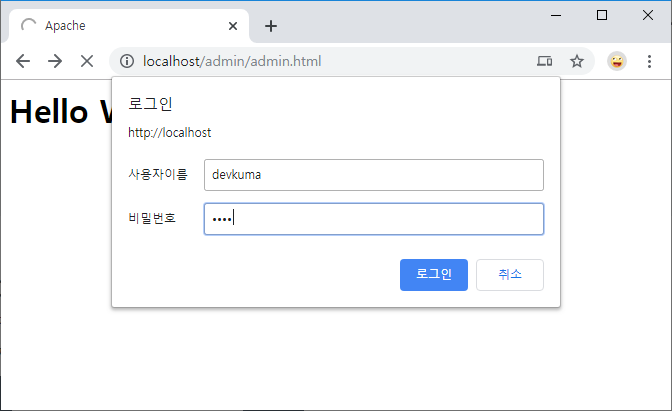
The authentication dialog opens. Enter the user and password registered in the password file. If the entered values match the user name and password registered in the password file, authentication succeeds and the page is displayed.
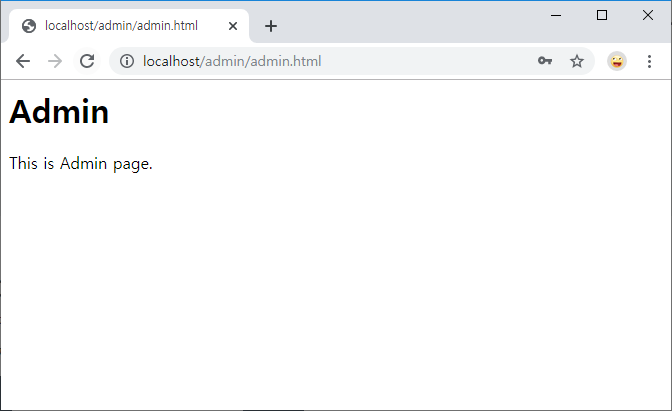
When the browser sends requests for other pages that require authentication, if AuthName is the same, it sends requests to the web server with the same Authorization header until the browser is closed.
Therefore, if you move to another page that requires authentication and has the same realm name, the Authorization header is included from the beginning and authentication succeeds. Once authentication succeeds, you can confirm that other pages requiring the same authentication do not ask for authentication again.
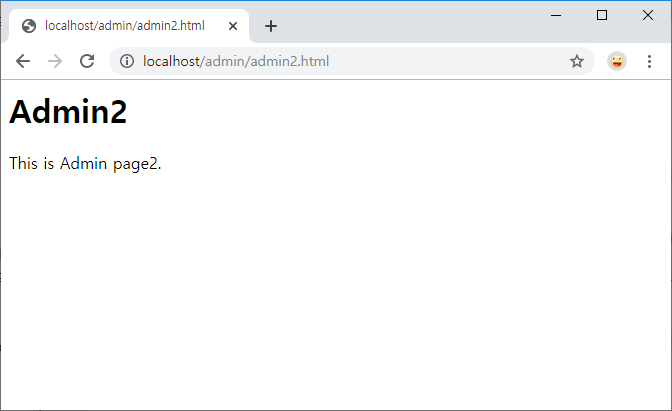
The page above is another page in the same directory as the page that first passed authentication. This page also requires authentication for the same directory, but authentication is not performed again because the request already includes a valid Authorization header.
When authentication fails
When the authentication dialog opens and the user name and password are entered incorrectly, or the entered values are not registered in the password file, the server tells the browser again that authentication is required. This is the same behavior as when there was no Authorization header at first. The browser opens the authentication dialog again and attempts to send another request to the server with a new Authorization header.
This repeats until authentication succeeds. If the user eventually gives up and clicks the Cancel button in the dialog, the browser displays an error message saying authentication is required and stops requesting the page from the web server.