Apache | VirtualHost Configuration | Virtual Host Alias Settings (ServerAlias)
Virtual Host Alias Settings (ServerAlias)
When name-based virtual hosts are configured, let’s see what happens when the server is accessed with an unregistered hostname.
For example, assume DNS or the hosts file contains the following entries.
127.0.0.1 localhost
127.0.0.1 ww1.devkuma.com
127.0.0.1 ww2.devkuma.com
Also assume virtual hosts are configured only for ww1.devkuma.com and ww2.devkuma.com.
<VirtualHost *:80>
    ServerName     ww1.devkuma.com
    ServerAdmin    devkuma@devkuma.com
    DocumentRoot   "${SRVROOT}/htdocs-ww1"
    CustomLog      logs/ww1.access.log common
    ErrorLog       logs/ww1.error.log
</VirtualHost>

<VirtualHost *:80>
    ServerName     ww2.devkuma.com
    ServerAdmin    devkuma@devkuma.com
    DocumentRoot   "${SRVROOT}/htdocs-ww2"
    CustomLog      logs/ww2.access.log common
    ErrorLog       logs/ww2.error.log
</VirtualHost>
In this case, when http://localhost is accessed, the first registered virtual host configuration is applied as the default.
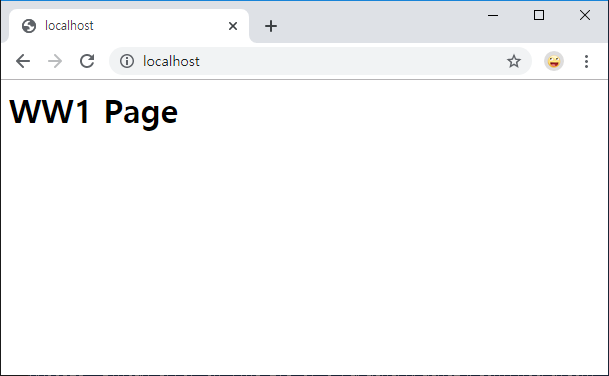
Here, the first registered virtual host, ww1.devkuma.com, was displayed.
In this situation, you can apply the settings of a non-default host to a hostname that does not have its own virtual host configuration. Use ServerAlias to register the hostname as an alias in the virtual host settings.
ServerAlias hostname1 hostname2 ...
When registering multiple hostnames, write them separated by spaces.
Practice
Now let’s try the actual exercise. Register localhost as a ServerAlias for ww2.devkuma.com so that access to http://localhost/ also uses the ww2.devkuma.com settings.
<VirtualHost *:80>
    ServerName     ww1.devkuma.com
    ServerAdmin    devkuma@devkuma.com
    DocumentRoot   "${SRVROOT}/htdocs-ww1"
    CustomLog      logs/ww1.access.log common
    ErrorLog       logs/ww1.error.log
</VirtualHost>

<VirtualHost *:80>
    ServerName     ww2.devkuma.com
    ServerAdmin    devkuma@devkuma.com
    DocumentRoot   "${SRVROOT}/htdocs-ww2"
    CustomLog      logs/ww2.access.log common
    ErrorLog       logs/ww2.error.log
    ServerAlias    localhost
</VirtualHost>
The preparation is now complete. Restart Apache, then access http://localhost/ again.
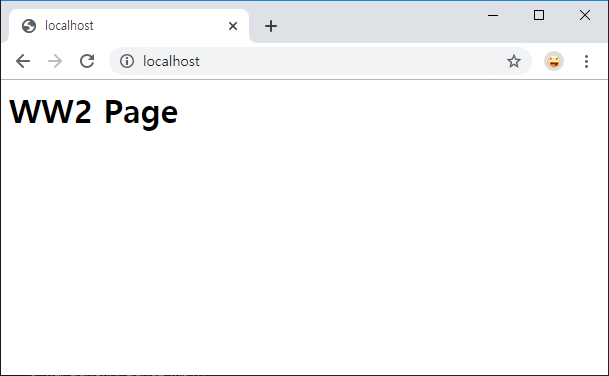
This time, ww2.devkuma.com, which was configured as an alias, was displayed instead of the default setting.