Apache | Apache Server Management (mod_status) | Checking Configuration Information (server-info)
Apache provides a handler called server-info in the mod_info module.
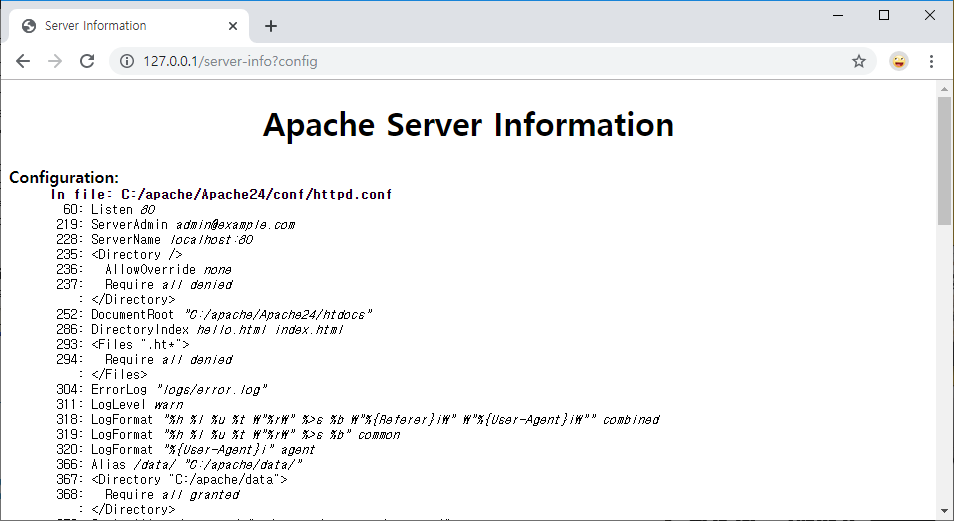
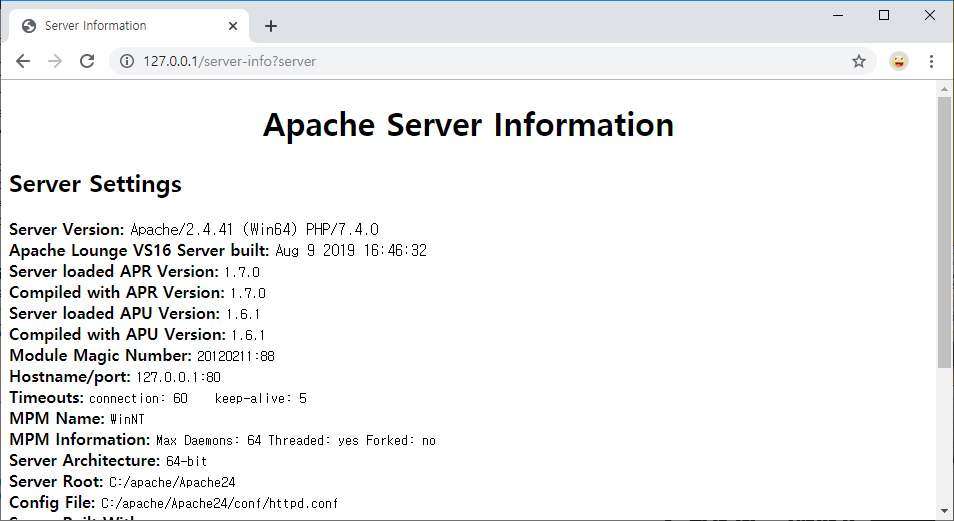
By calling the server-info handler, you can check Apache configuration information. Let’s configure it so the server-info handler can be called from a browser to view the information.
Load the mod_info Module
First, load the module with LoadModule so the mod_info module can be used. Search for mod_info in the httpd.conf file, and you should find the following.
#LoadModule info_module modules/mod_info.so
If there is a # before LoadModule, remove it.
LoadModule info_module modules/mod_info.so
Next, configure the server-info handler call. Use Include to load the httpd-info.conf file. Search for httpd-info.conf in the httpd.conf file, and you should find the following.
# Real-time info on requests and configuration
#Include conf/extra/httpd-info.conf
If there is a # before Include, remove it.
# Real-time info on requests and configuration
Include conf/extra/httpd-info.conf
Check the httpd-info.conf File
Next, search for /server-info in the httpd-info.conf file, and you should find the following.
<Location /server-info>
    SetHandler server-info
    Require host .example.com
    Require ip 127
</Location>
Location sets the URL path to /server-info, and SetHandler configures the server-info handler to be called and executed when the URL path /server-info is requested.
With this configuration, when the browser requests http://localhost/server-info, the server-info handler runs and returns the result.
The server runtime status should not be exposed to everyone, so access is allowed only from localhost.
Check Execution
Access http://127.0.0.1/server-info locally in a browser.
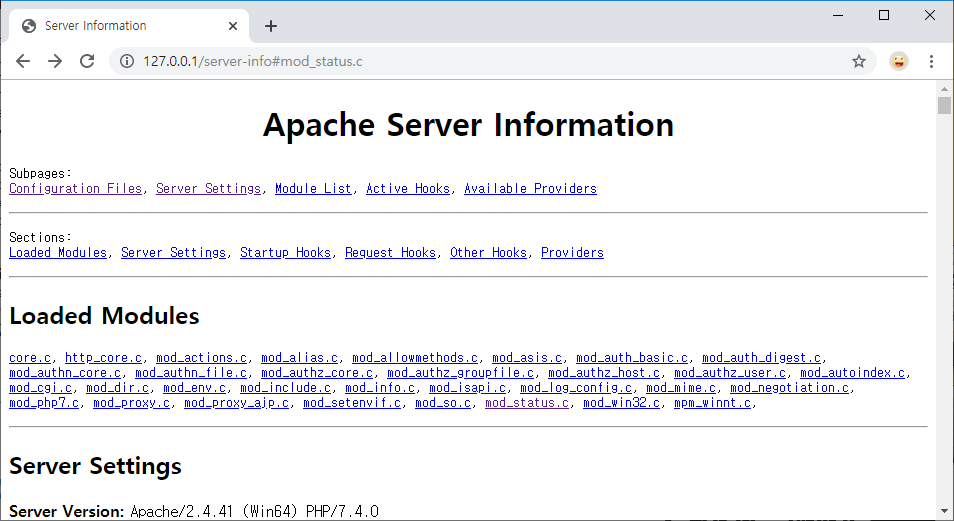
If the page is accessed successfully, links to various Apache configuration details are displayed as shown above. Click each link to display detailed information.