Apache | Integrating with Tomcat (mod_proxy_ajp) | Apache Configuration (Connecting with mod_proxy_ajp)
Now only the Apache configuration remains. Because the integration uses mod_proxy_ajp, first change the configuration so the mod_proxy and mod_proxy_ajp modules are loaded.
Search for mod_proxy_ajp in the httpd.conf file, and you should find the following.
#LoadModule proxy_module modules/mod_proxy.so
#LoadModule proxy_ajp_module modules/mod_proxy_ajp.so
If they are commented out, remove the leading #.
LoadModule proxy_module modules/mod_proxy.so
LoadModule proxy_ajp_module modules/mod_proxy_ajp.so
This changes the configuration so the mod_proxy and mod_proxy_ajp modules are loaded.
Next, configure requests for Tomcat. When a URL beginning with http://localhost/hello/ is accessed, Apache will call the Tomcat file. To do that, first use Location as a section container and write the following.
<Location /hello/>

</Location>
For section containers, see Access Scope Settings (Section Containers).
Write the settings for accessing Tomcat inside <Location>. Because Tomcat connects through port 8009 using the AJP/1.3 protocol, write the following.
<Location /hello/>
    ProxyPass ajp://localhost:8009/hello/
</Location>
Writing this in the httpd.conf file completes the setup.
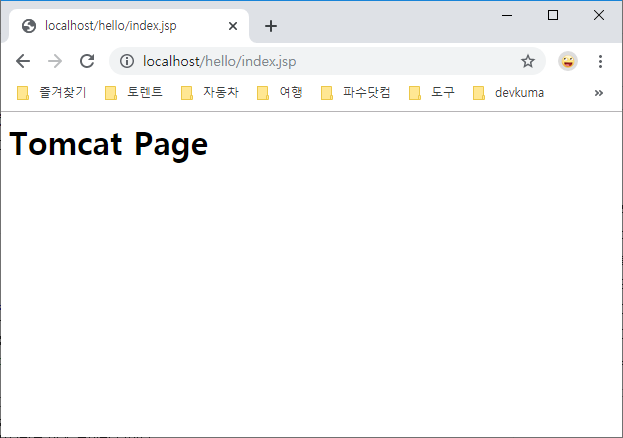
If it is displayed as above, calling Tomcat through Apache succeeded.