Apache | コンテンツの配置 | ドキュメントルート(Document Root)
ApacheはWWWサーバーであるため、クライアントからのコンテンツ要求に対応するコンテンツを返す。その内容を配置しておく場所はDocumentRootで指定する。
DocumentRootディレクトリ
ディレクトリは絶対パス、またはServerRootからの相対パスで指定する。末尾にスラッシュ(/)は付けない。
httpd.confファイルでDocumentRootを検索すると、次のような内容が見つかる。
#
# DocumentRoot: The directory out of which you will serve your
# documents. By default, all requests are taken from this directory, but
# symbolic links and aliases may be used to point to other locations.
#
DocumentRoot "${SRVROOT}/htdocs"
これは、WWWサーバーとして公開するコンテンツが${SRVROOT}/htdocsディレクトリ配下に配置されることを意味する。ここで${SRVROOT}が前のページで次のように指定されている場合、パスはC:/dev/Apache2.2/htdocsになる。
Define SRVROOT "C:/apache/Apache24"
配置されたファイルとクライアント要求の関係は次のとおりである。
| ブラウザからの要求URL | クライアントへ返される実際のファイル |
|---|---|
| http : //localhost/index.html | C:/apache/Apache24/htdocs/index.html |
| http : //localhost/sub/index.html | C:/apache/Apache24/htdocs/sub/index.html |
| http : //localhost/img/image.gif | C:/apache/Apache24/htdocs/ img/image.gif |
現在Apacheにブラウザからアクセスすると、次のような画面が表示される。
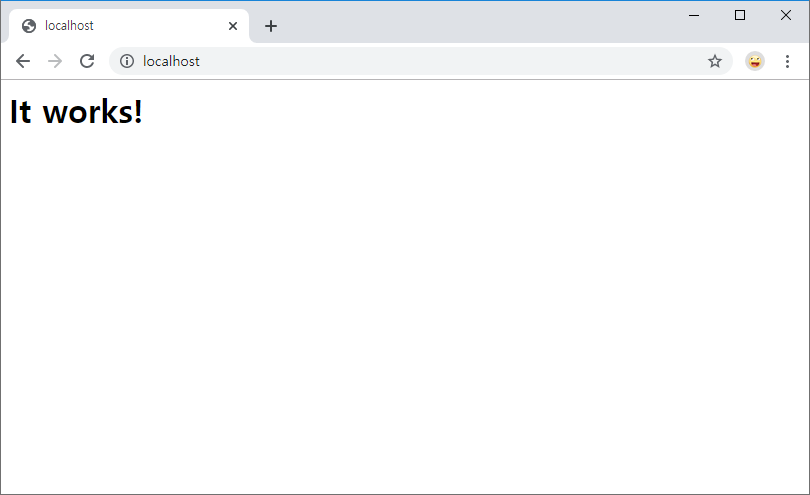
この画面は、C:/apache/Apache24/htdocs/index.htmlファイルが表示されたものである。
C:\dev\Apache24\htdocs>dir
 C 드라이브의 볼륨에는 이름이 없습니다.
 볼륨 일련 번호: XXXX-XXXX

 C:\dev\Apache24\htdocs 디렉터리

2019-11-26  오후 10:39    <DIR>          .
2019-11-26  오후 10:39    <DIR>          ..
2007-06-12  오전 03:53                46 index.html <<<<<<<<<<<<<<< 표시된 파일
               1개 파일                  46 바이트
               2개 디렉터리  458,576,863,232 바이트 남음

C:\dev\Apache24\htdocs>
実習
では、次のような簡単なHTMLファイルを作成し、ドキュメントルートディレクトリに置いてみる。
hello.html
<html>
<head><title>Apache</title></head>
<body>
<h1>Hello World devkuma!</h1>
</body>
</html>
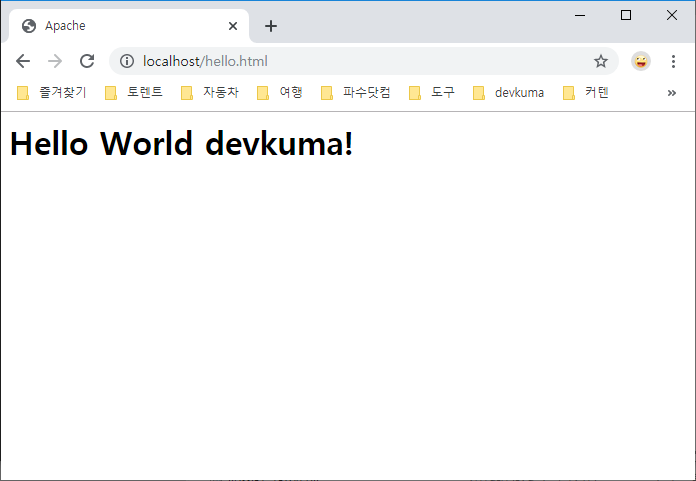
ブラウザを起動し、次のURLにアクセスする。
http://localhost/hello.html