Swift Introduction | Preparing to Use Swift | Setting Up Swift
Let us set up an environment for using Swift. Swift is supported by Apple’s Xcode development environment starting with Xcode 6. Xcode 6 was released in the fall of 2014, and Xcode 7 was available when this article was written in September 2017.
You can install Xcode from the App Store or download it from Apple’s developer website. Download availability from the developer website may depend on your Apple Developer Program membership.
https://developer.apple.com/xcode/downloads/
If you download Xcode from Apple’s developer website, mount the disk image (.dmg) and copy Xcode to install it.
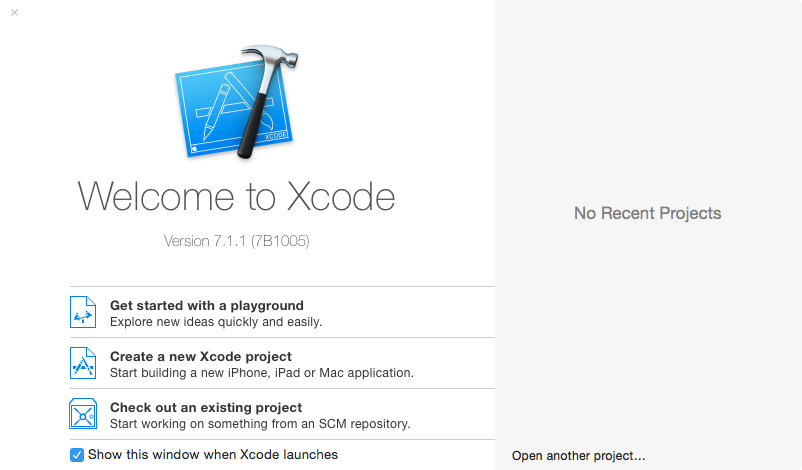
The first launch may take some time because Xcode sets up required components. If a dialog asks you to install components, complete the installation. Once Xcode starts correctly, installation is complete.
Using a Playground
After launching Xcode, create a playground. A playground is a special file that lets you run Swift programs immediately.
In the Welcome window that appears when Xcode starts, click “Get started with a playground.” In the dialog, enter a program or file name in Name and select “OS X” for Platform. Choose a folder and save the file. A playground window appears, ready for use.