SQLite | Installing SQLite | Referencing the SQLite Documentation
This page explains how to reference the SQLite documentation. You can read it online or download it for local use.
Referencing the Online Documentation
To reference the online documentation, click “Documentation” in the menu at the top of the official SQLite page, or open the following link.
https://www.sqlite.org/docs.html
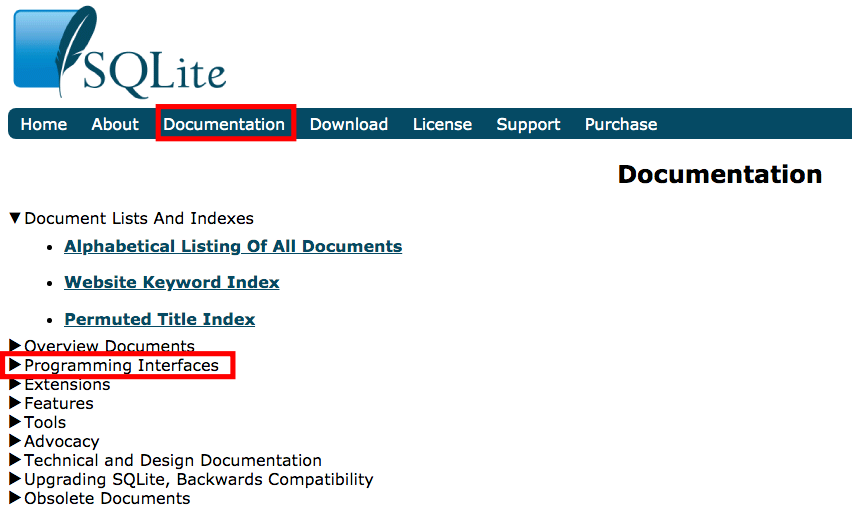
For example, expand “Programming Interfaces” and click the “SQL Syntax” menu.
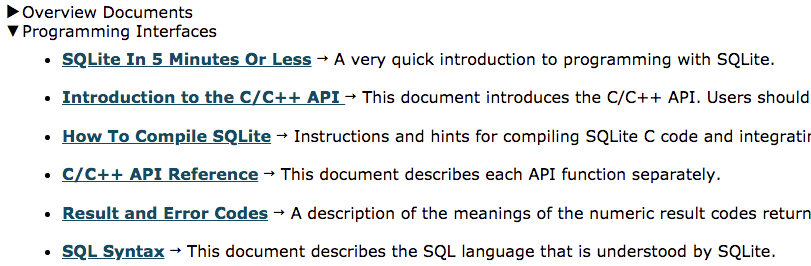
You can view explanations of the SQL features available in SQLite.
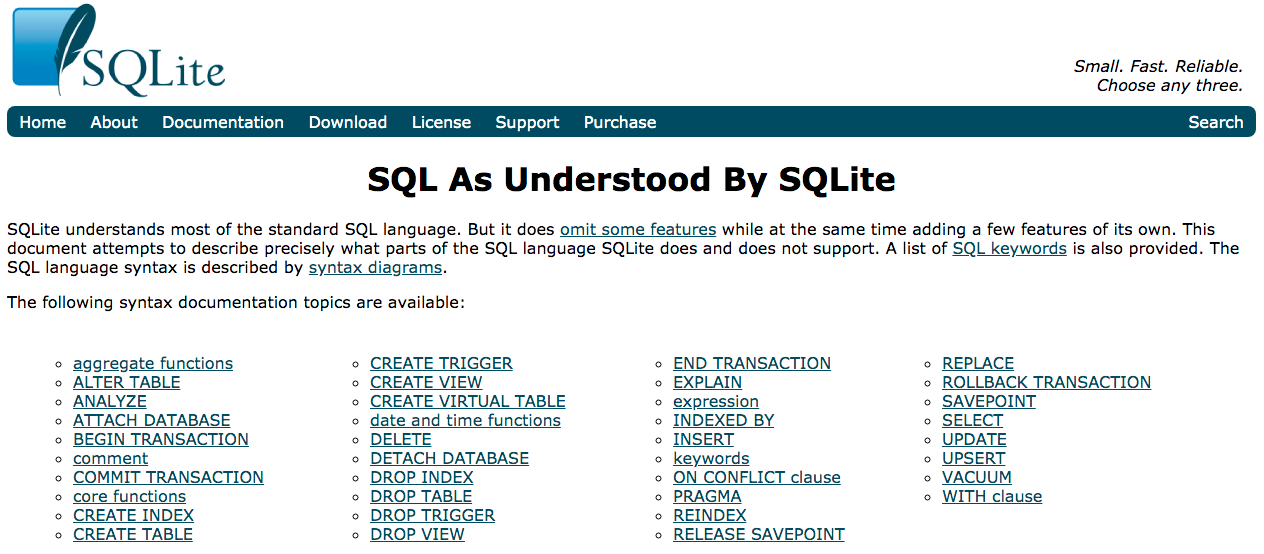
You can also reference many other documents about SQLite.
Downloading the Documentation
If you want to download the documentation locally, click the “Download” menu at the top of the page, or open the following link.
https://www.sqlite.org/download.html

Click the “sqlite-doc-3300100.zip” link in the “Documentation” block to download the documentation.
After the download is complete, extract the compressed file. Many HTML files will appear, as shown below.
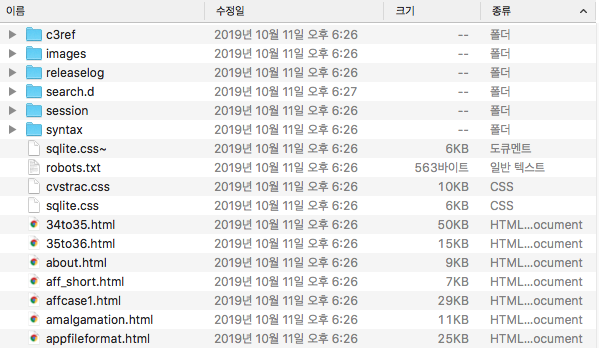
Find and open the index.html file.
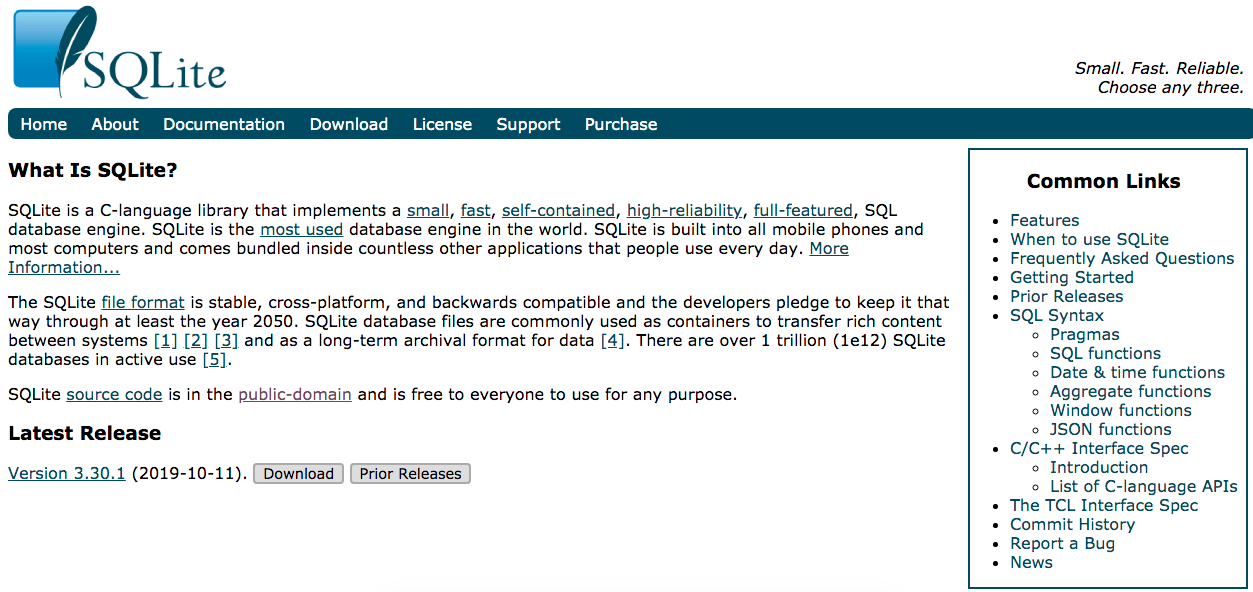
The same screen as the official website page is displayed. Click the “Documentation” menu at the top of the screen, and you can reference the documentation offline as well.