Difference Between jar Files Generated by Gradle "bootJar" and "jar" Tasks
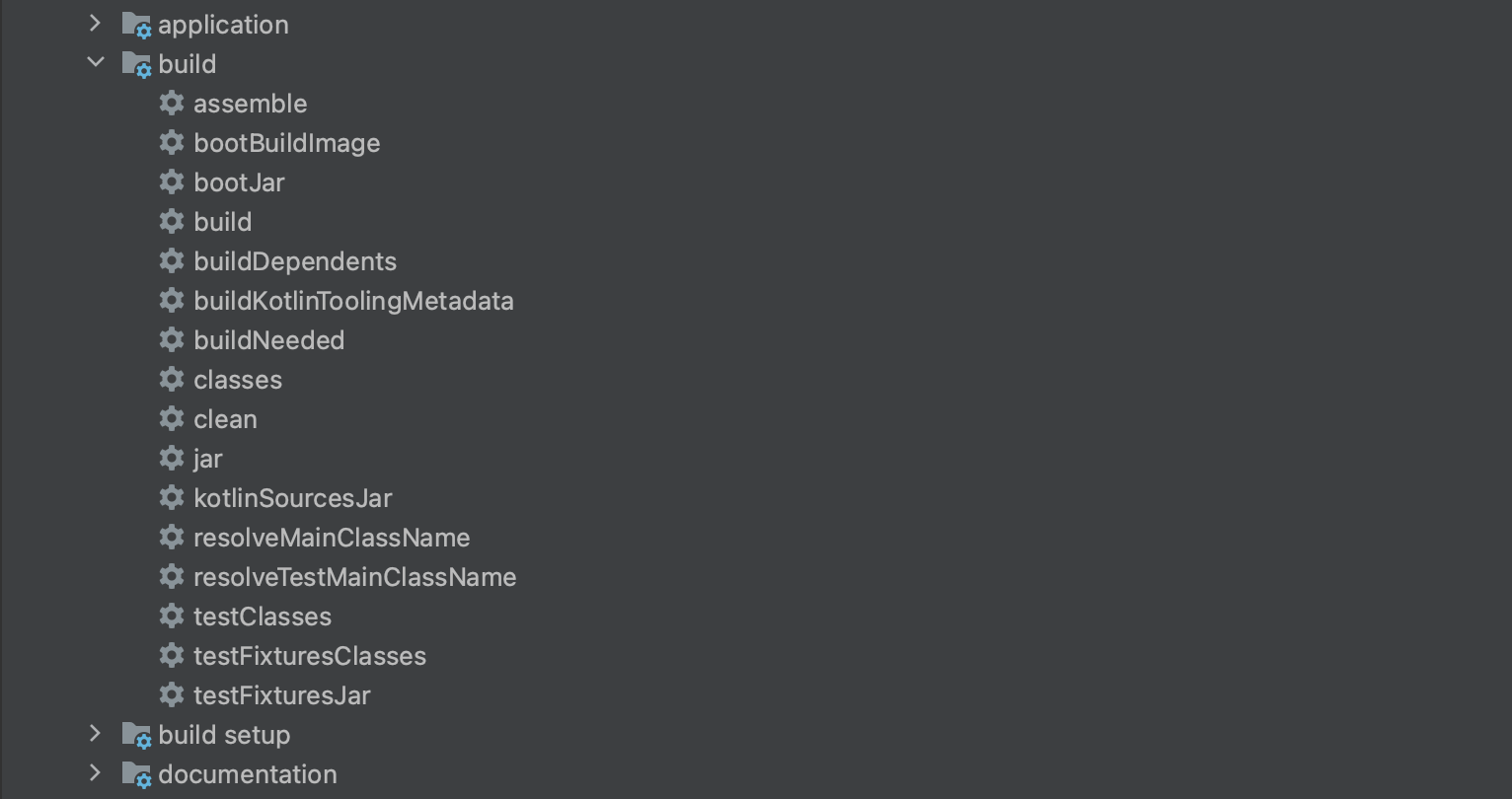
The bootJar Task Creates an Executable jar File
Run the bootJar task and inspect the generated file with the tree command.
The tree command must be installed separately, so if it is not available, install it with Homebrew.
$ brew install tree
The file generated by the bootJar command is named {project-name}.jar under {project-dir}/build/libs/.
Unzip the jar file and run the tree command as follows.
% tree -L 3 --filelimit 10
.
├── BOOT-INF
│   ├── classes
│   │   ├── META-INF
│   │   ├── application.yml
│   │   ├── com
│   │   │   └── devkuma
│   │   │       └── api
│   │   └── logback-spring.xml
│   ├── classpath.idx
│   ├── layers.idx
│   └── lib  [294 entries exceeds filelimit, not opening dir]
├── META-INF
│   ├── MANIFEST.MF
│   └── spring-configuration-metadata.json
└── org
    └── springframework
        └── boot
            └── loader  [19 entries exceeds filelimit, not opening dir]
There are BOOT-INF, META-INF, and the loader directory that starts the jar.
The bootJar task creates an executable jar file, so it is often used for application deployment and similar tasks.
The jar Task Creates Class Files
Run the jar task and inspect the generated file with the tree command.
The generated file is named {project-name}-plain.jar under {project-dir}/build/libs/.
% tree -L 5 --filelimit 10
.
├── META-INF
│   ├── MANIFEST.MF
│   └── spring-configuration-metadata.json
├── application.yml
├── com
│   └── devkuma
│       └── api
│           ├── DevkumaApiApplication.class
│           ├── config
│           ├── controller
│           ├── param
│           ├── service
│           └── support
└── logback-spring.xml
Only META-INF and class files are generated.
This file cannot be run as a standalone application, but it can be used when distributing a library.
The build Task Creates Two jars
When you run the build task, both {project-name}.jar and {project-name}-plain.jar are created.
As mentioned above, application deployment requires an executable jar file, so plain.jar is not useful for that purpose.
If it is not specifically needed, it is also a good idea to configure build.gradle so that it is not generated.
Prevent plain.jar from Being Generated in build.gradle.kts
tasks.getByName("jar") {
    enabled = false
}
Prevent plain.jar from Being Generated in build.gradle
jar {
    enabled = false
}
With only this setting, plain.jar will not be generated even when the build task is run.
It will also not be generated when the jar task is run.
Summary
- The
bootJartask creates an executable jar file. - The
jartask creates class files. - The build task creates both jars.
- For ordinary deployment, use the executable
{project-name}.jar.
If you need a jar for application deployment, run the bootJar or build task and use the generated jar file.