Git Server - Create and Register an SSH Public Key
Use SSH when connecting to a Git server
If you only use Git in a local development environment, this may not matter. However, when cloning code from or pushing code to an external Git server such as GitHub, GitLab, or Bitbucket, using the SSH protocol is safer. Many remote Git servers on the internet, including GitHub, support SSH public key authentication.
Create an SSH public and private key
To use public key authentication, first create a public key. The process is similar on most operating systems.
Check whether a key already exists
First, check whether you already have a generated key.
$ cd ~/.ssh
$ ls
id_rsa          id_rsa.pub      known_hosts     known_hosts.old
If you see a file such as id_rsa and another file with the same name plus the .pub extension, a public key has already been created. If these files exist, you can use that key.
Create a key with ssh-keygen
Create a key with the ssh-keygen program. ssh-keygen is included in the SSH package on Linux and macOS, and in Git for Windows on Windows.
ssh-keygen
When you run the command, enter the directory where you want to save the key and then enter the password twice. If you do not want a passphrase, press Enter without typing one.
% ssh-keygen
Generating public/private rsa key pair.
Enter file in which to save the key (/Users/user/.ssh/id_rsa):
Enter passphrase (empty for no passphrase):
Enter same passphrase again:
Your identification has been saved in /Users/user/.ssh/id_rsa
Your public key has been saved in /Users/user/.ssh/id_rsa.pub
The key fingerprint is:
SHA256:QKYpyuK6Un3qb0ARjL7lw5ER1mZAMl5nYGMQARD3X0Y user@AL02263852.local
The key's randomart image is:
+---[RSA 3072]----+
|=oBB%*= E        |
| o.O+O+.         |
| .o +*. o        |
|....=. +         |
|o. B .. S        |
|o o * .          |
| o   =           |
|o   . .          |
|+. ..o.          |
+----[SHA256]-----+
If the key was created correctly, you can view the public key as follows.
% cat ~/.ssh/id_rsa.pub
ssh-rsa AAAAB3NzaC1yc2EAAAAD2xwcZj/fJnLZbfw ... omitted ... d+iauipAZDRLz0cgJcoTr0XuZ9DU= user@AL01234567.local
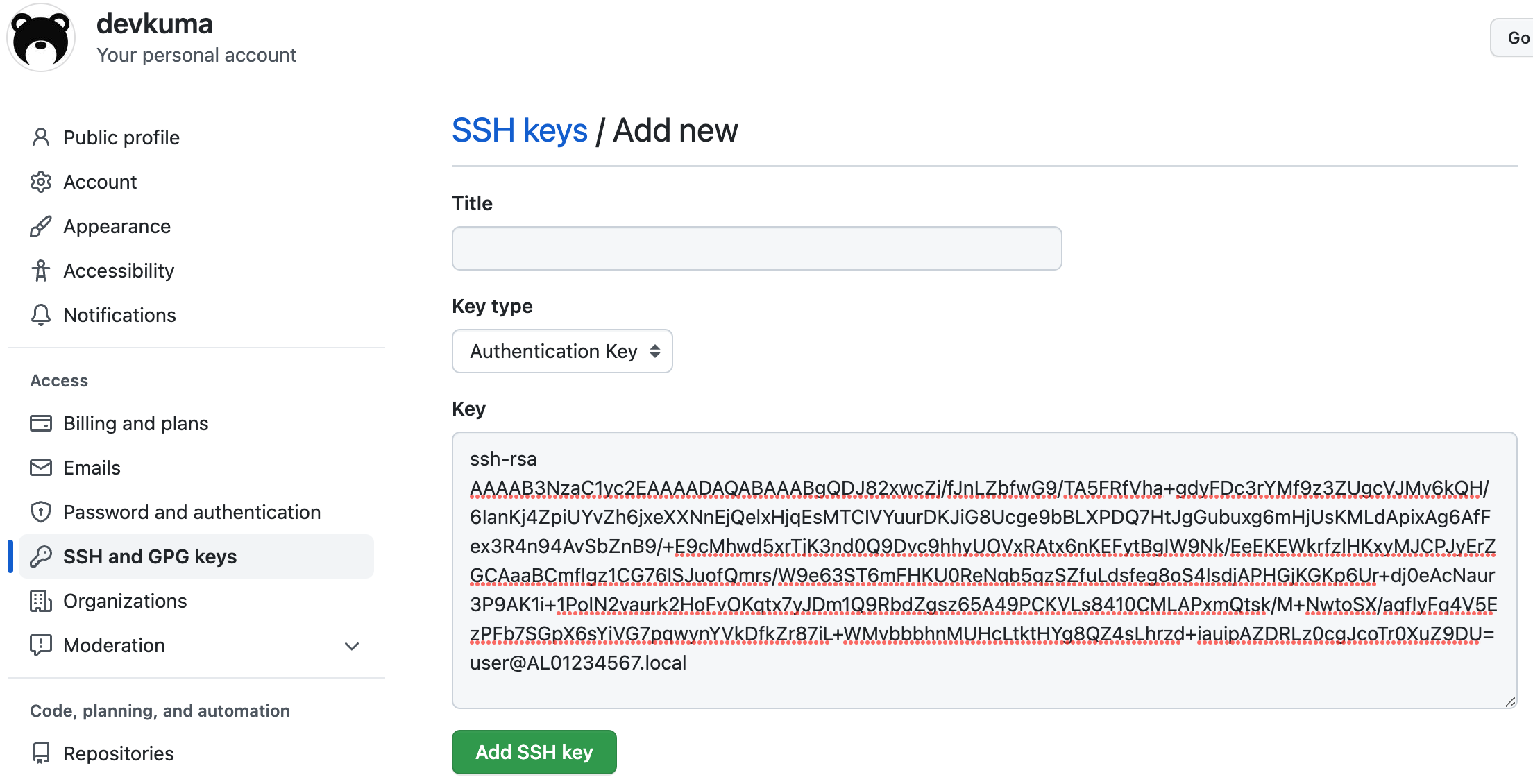
Register the public key with your GitHub account
You can register the generated public key with your GitHub account through the following link.