Kotest IntelliJ Plugin Introduction
Kotest provides an IntelliJ plugin that is available from the JetBrains plugin marketplace, or by searching inside IntelliJ.
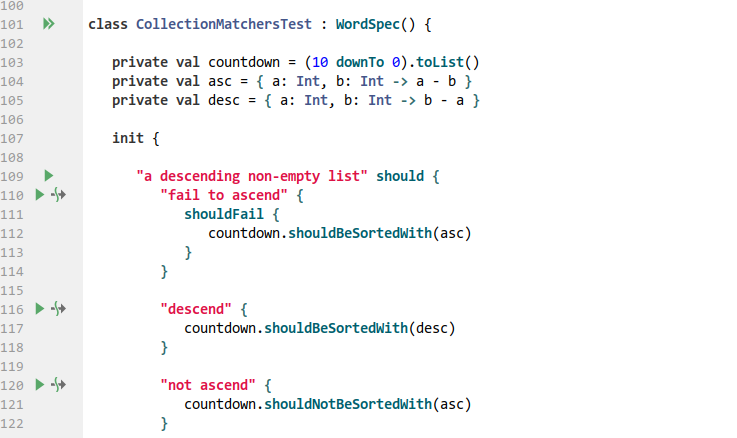
The plugin provides run icons for each test, a tool window for test navigation, duplicate test highlighting, assertion intentions, and more.
Gutter Icons
The IntelliJ plugin requires Kotest 4.2 or later, and common tests in multiplatform projects are not run.
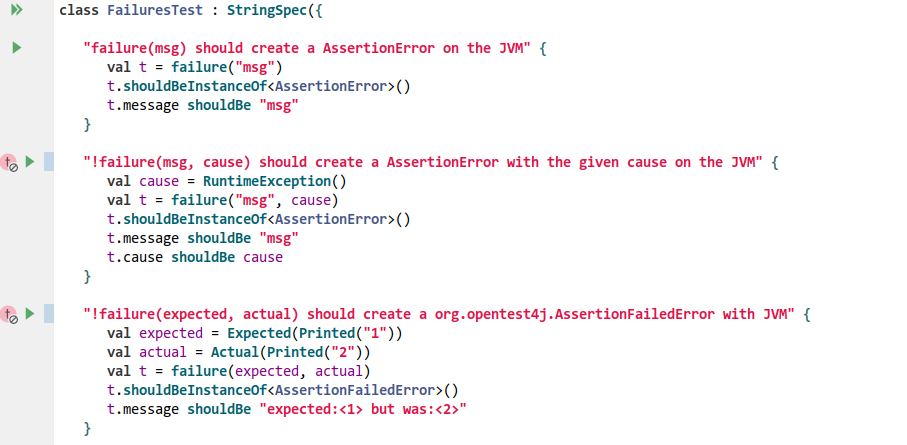
Tests disabled with bang, or tests disabled with xfunctions such as xdescribe, show a disabled test icon in the gutter.
Running Tests
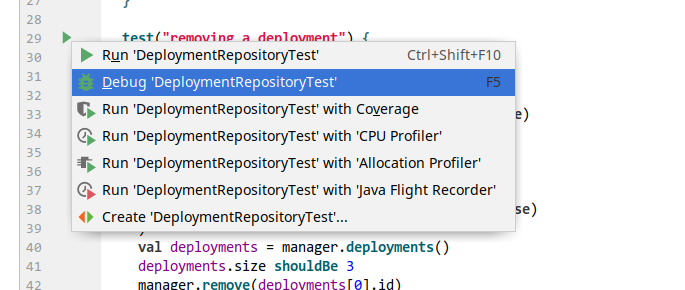
Running a spec from Gutter Icons runs all tests in that spec. Running a test runs that test and all nested tests.
Duplicate Test Highlighting
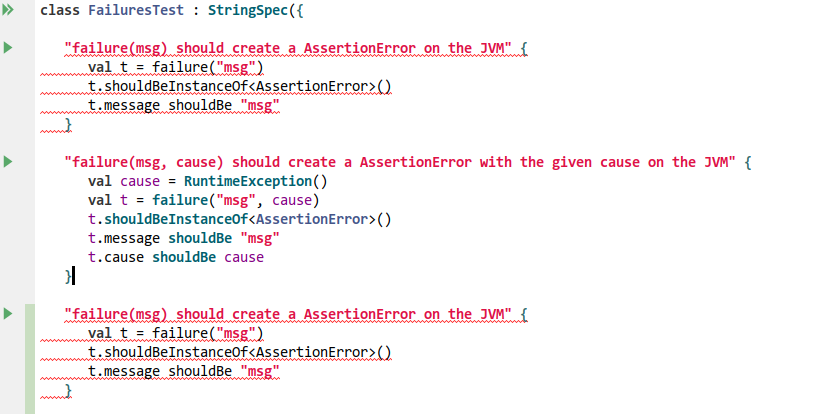
You cannot have two tests with the same name. The plugin highlights duplicate test names as errors.
Context Menu Run/Debug
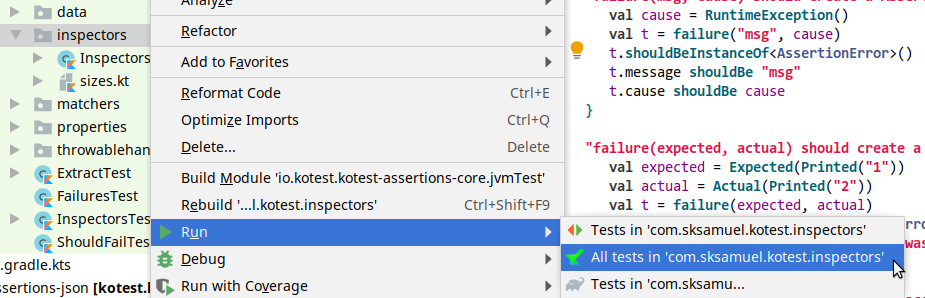
When you right-click a package, you can run, debug, or run with coverage all tests in that package.
Intentions
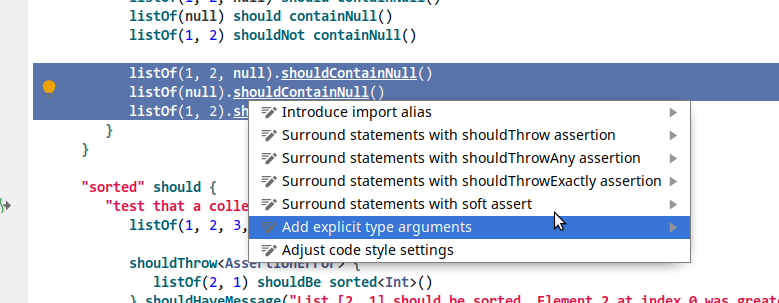
The plugin includes several basic intentions. For example, you can quickly mark a test as disabled.
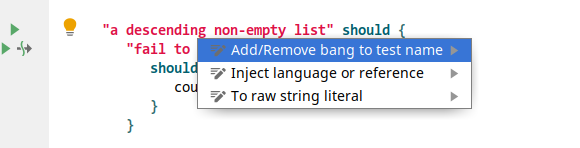
You can also highlight some text and mark it as something that should throw, or surround it with a soft assertion block.