Managing eBooks with Calibre
What Is Calibre?
Calibre is an open source eBook management tool. Just as iTunes is used to manage music, Calibre is mainly used to manage eBooks. The word “management” may sound simple, but just as iTunes can buy music from the iTunes Music Store, import CDs, transfer files to an iPod, and play podcasts, Calibre also provides many features for managing eBooks. It includes many useful functions for working with eBooks.
Calibre Main Screen
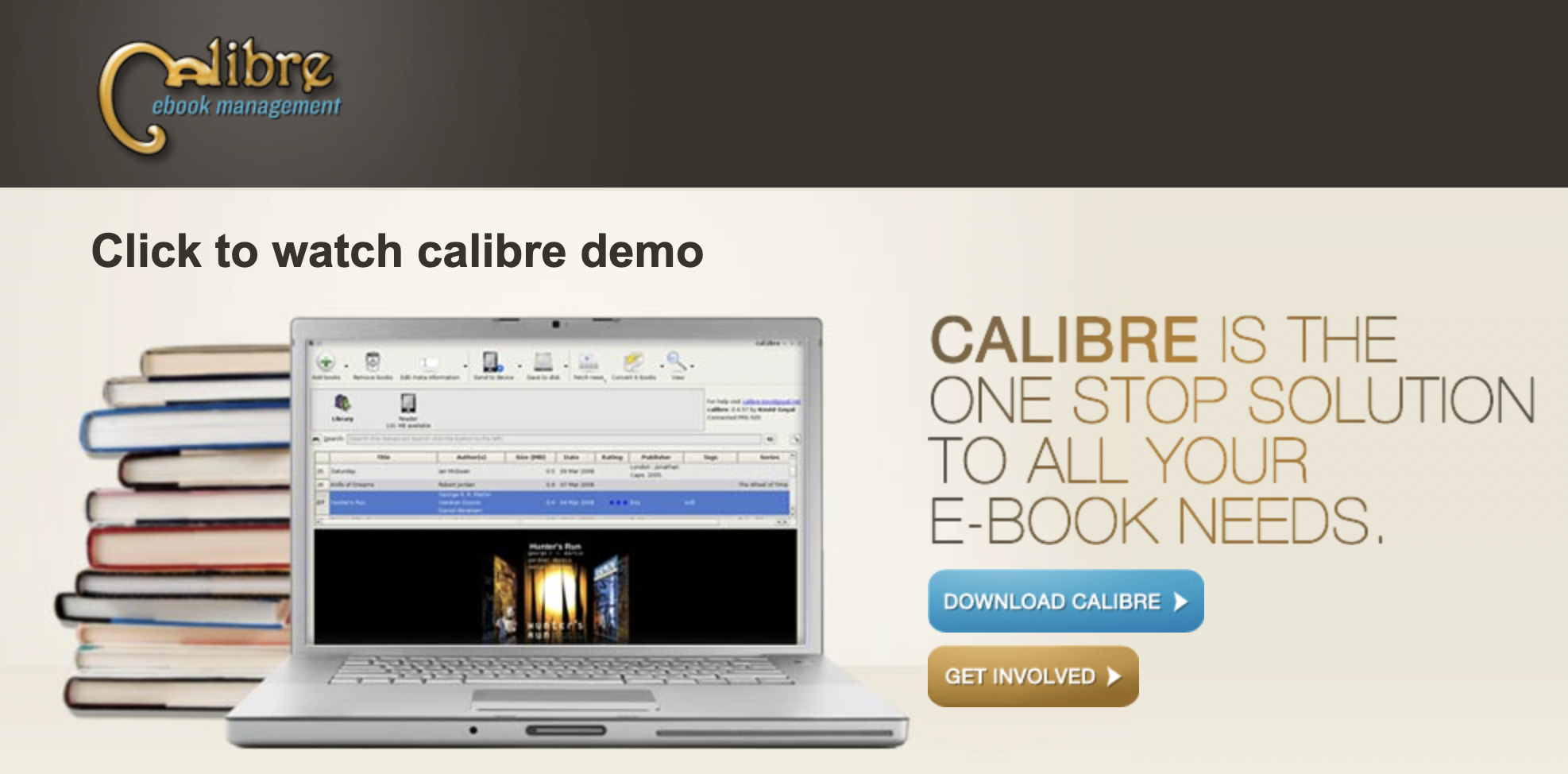
Calibre is an open source program based on Python. It is available for Windows, macOS, and Linux, so it can be used on many platforms. There is also a portable version for Windows.
One notable point is its release cycle. New versions are released almost every Friday, and bug fixes and feature improvements are made at a very fast pace.
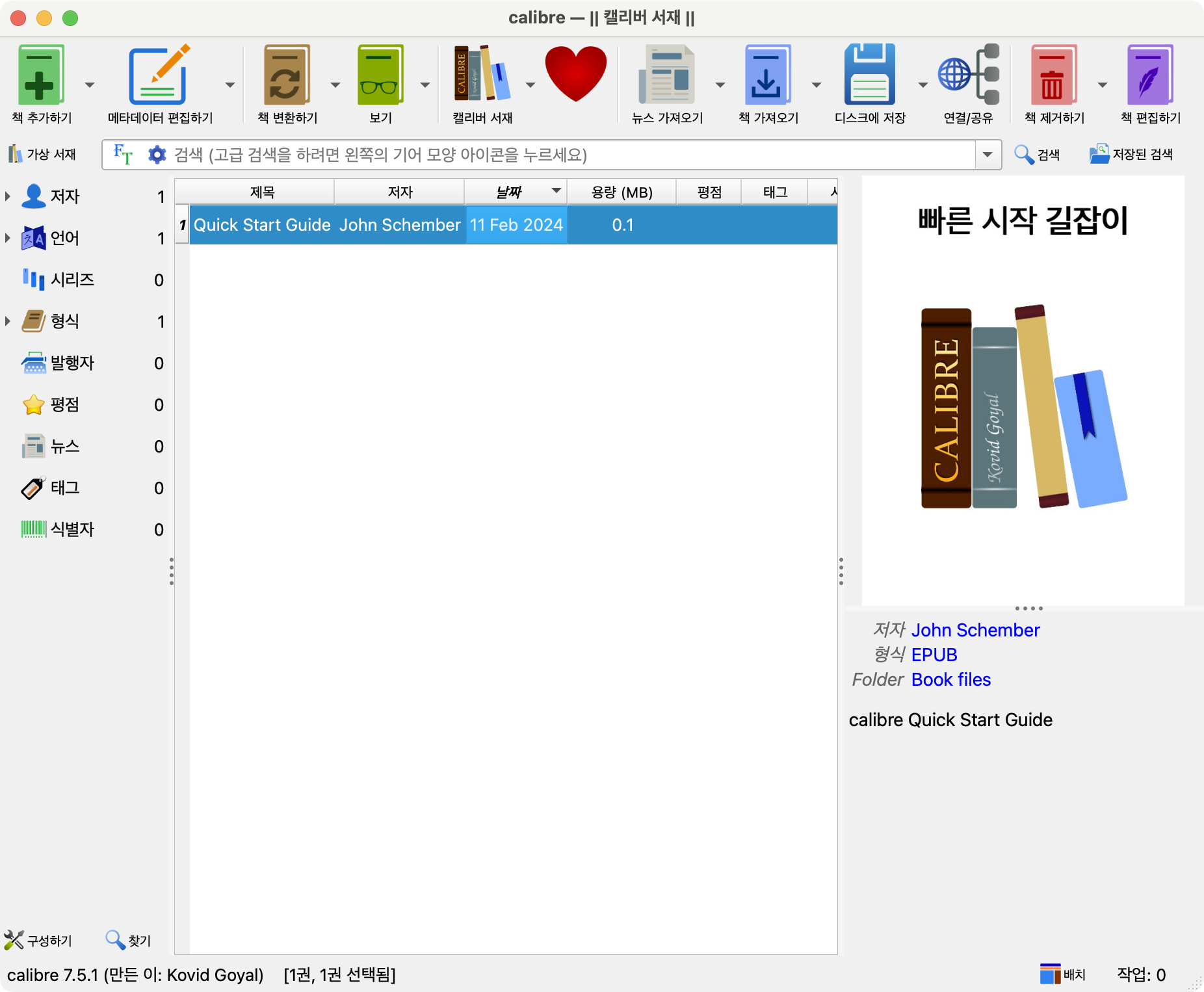
As shown in the screen above, eBooks can be managed in a list in the center of the main screen.
Key Features of Calibre
Calibre’s main features include the following.
- eBook format conversion
- Calibre can convert documents in various formats into eBook formats such as EPUB, MOBI, and AZW3.
- It supports more than 20 formats, including EPUB, MOBI, LRF, PDF, and HTML.
- eBook library management
- Calibre provides tools for managing a user’s eBook library.
- You can edit and organize book metadata.
- eBook editing
- Calibre can directly edit EPUB files.
- It supports text editing, image insertion, table-of-contents creation, and similar tasks.
- eBook viewer
- Calibre provides a dedicated eBook viewer for EPUB and other eBook formats.
- eBook synchronization
- Calibre can synchronize with various eBook reader devices.
- News feed download
- Calibre can automatically download subscribed news feeds and convert them into eBooks.
- It can download from news sites and convert the content into eBooks.
- Communication with eBook reader devices
- Content server
- Paid and free eBook search
- Customization features, such as news sites, recipes, and device plugins
How to Use Calibre
Calibre provides powerful features and is easy to use through a user-friendly interface. It is a convenient tool for managing and converting eBooks.
- Download and install
- Calibre can be downloaded and installed from the official website.
- It supports many platforms, including Windows, macOS, and Linux.
- Add eBooks
- Run Calibre and add eBooks to the library.
- You can add files by dragging and dropping them or by clicking the Add button.
- Convert eBooks
- Select an eBook and click the Convert button to convert it to the desired format.
- Edit metadata
- Select an eBook and click Edit Metadata to modify information such as the title, author, and cover image.
- Synchronize eBooks
- Calibre can synchronize with an eBook reader device.
- To do this, connect the device to the computer and configure synchronization.